The Bing Maps API offers powerful tools for US developers and businesses seeking to integrate mapping functionalities into their websites and applications. This comprehensive guide explores what the Bing Maps API is, detailing its various features like interactive maps, geocoding, routing, and traffic data. Discover where to access the necessary documentation and developer resources provided by Microsoft to get started. Learn how to effectively implement the API, covering key steps from obtaining an API key to integrating map controls and customizing map experiences for your users. We will also address potential costs associated with its use, outlining the Bing Maps pricing structure and licensing requirements for different usage tiers. For a US local guide or developer, understanding the Bing Maps API is crucial for building robust location-based services, enhancing user navigation, and creating rich, interactive geographical content relevant to local businesses and services. Find out why it is a valuable alternative for mapping solutions in the United States.
What is the Bing Maps API?
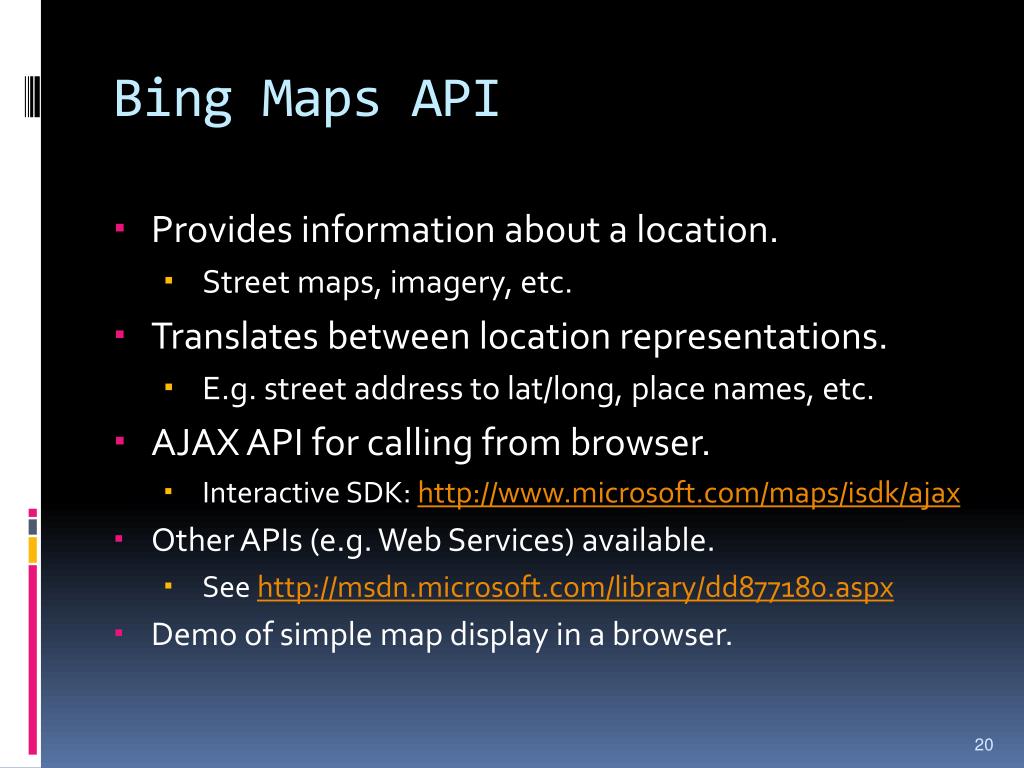
The Bing Maps API is a collection of services and SDKs from Microsoft, enabling developers to integrate interactive maps, location intelligence, and routing capabilities into their applications and websites. It provides tools for displaying geographical data, performing geocoding, and offering turn-by-turn directions. US businesses use it to enhance user experiences with rich, location-based features.
How do I get a Bing Maps API key?
To obtain a Bing Maps API key, visit the Bing Maps Dev Center and sign in with your Microsoft account. From the dashboard, you can register a new key by providing details about your application's intended use. This unique key is essential for authenticating your requests and accessing Bing Maps services.
Is the Bing Maps API free to use?
The Bing Maps API offers a free tier, providing a substantial number of transactions per year, suitable for development and lower-volume projects. For higher usage or commercial applications in the US, paid enterprise licenses are available. These plans accommodate larger transaction volumes and come with additional support options.
What features does the Bing Maps API offer?
The Bing Maps API offers a wide array of features, including interactive map display (road, aerial, bird's eye views), geocoding and reverse geocoding, routing and directions, traffic data, and access to street-side imagery. It also supports spatial data services for advanced geographical analysis, all valuable for US-centric applications.
Can I use Bing Maps API for commercial projects in the US?
Yes, you can absolutely use the Bing Maps API for commercial projects in the US. While a free tier exists for initial development, commercial applications typically require a paid enterprise license. This ensures compliance with Microsoft's terms of service for higher transaction volumes and specific commercial uses, providing robust support for your business needs.
How does Bing Maps API compare to other mapping APIs?
Bing Maps API stands out with its strong integration into the Microsoft ecosystem and competitive feature set, including unique aerial imagery and reliable geocoding. It offers a solid alternative to other providers, particularly for US-based developers already using Microsoft technologies. Its pricing structure and data quality are often key deciding factors for businesses evaluating mapping solutions.
What is the Bing Maps API and Why Use It
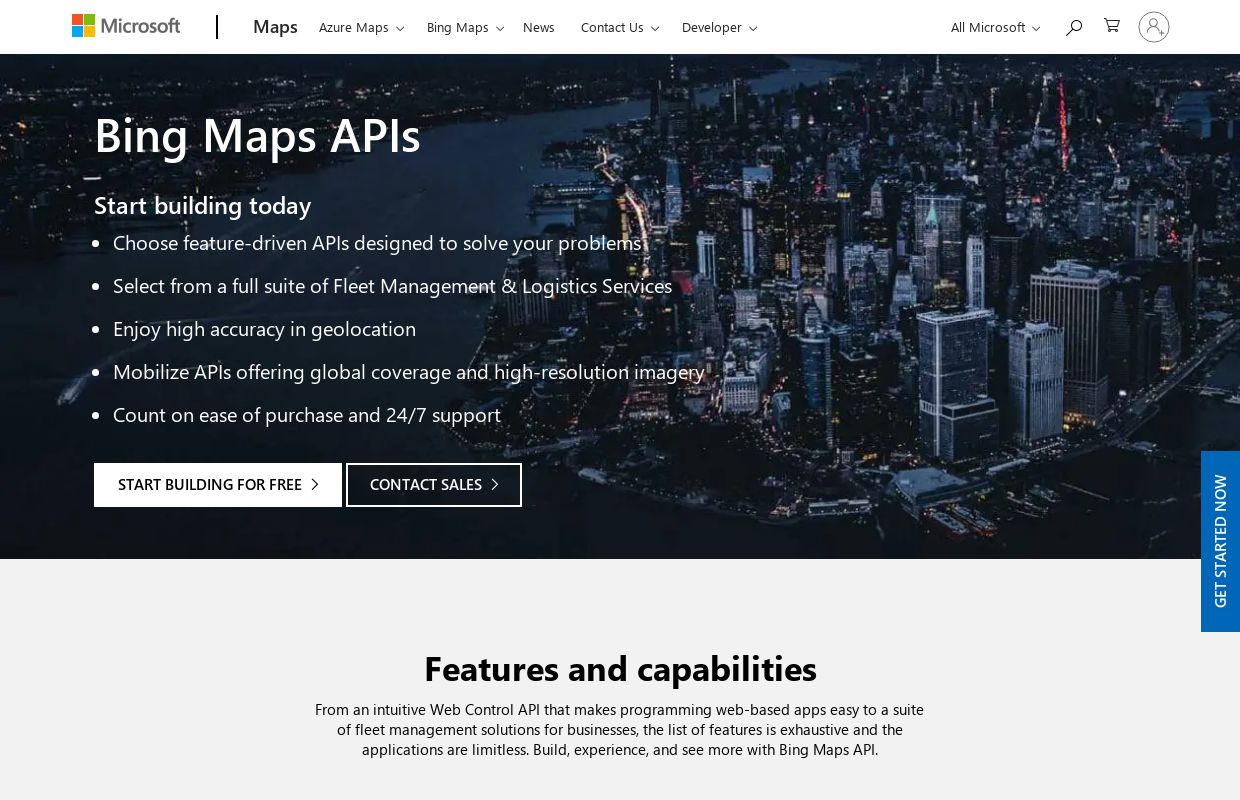
The Bing Maps API, developed by Microsoft, provides a comprehensive set of web services and SDKs. These resources allow developers to embed interactive maps, location search, and routing capabilities into their applications and websites. It is a powerful tool for anyone aiming to enhance their digital platforms with geographical data, serving a wide array of uses from simple location displays to complex logistical operations across the United States.
Key features include dynamic interactive maps, geocoding for converting addresses to coordinates, reverse geocoding to find addresses from coordinates, detailed routing and directions, and real-time traffic information. Developers can also access aerial and street-side imagery, enabling rich visual experiences. This functionality is essential for creating robust location-based services that resonate with a US audience looking for local information.
For US developers and businesses, choosing the Bing Maps API often stems from its integration with the Microsoft ecosystem and its competitive offerings. It delivers reliable mapping data, which is crucial for applications requiring precise location accuracy, whether for a local business directory or a nationwide delivery service. Local guides and businesses can leverage these features to give their users superior navigational and informational tools, making it easier to discover and interact with places in their community.
How to Get Started with the Bing Maps API
Embarking on your Bing Maps API journey involves a few straightforward steps. First, you need to secure an API key, which acts as your unique identifier for accessing the mapping services. Then, choose the specific platform or SDK that best suits your development environment, whether it is for a web application, an iOS app, or an Android project.
Obtaining your API key is simple. Navigate to the Bing Maps Dev Center website and sign in with your Microsoft account. There, you can register a new key, specifying its intended use and any domain restrictions for added security. This key is vital for authenticating your requests to the Bing Maps services, ensuring proper usage and tracking of your transactions.
After acquiring your key, you can begin integrating the API. For web applications, this typically involves adding a JavaScript reference to your HTML page and then writing a few lines of code to initialize the map object. Mobile developers will follow platform-specific guides to incorporate the relevant SDKs. Microsoft provides extensive documentation and examples to help developers quickly set up basic map displays and more advanced features for any US based project.
Integrating Basic Map Functionality
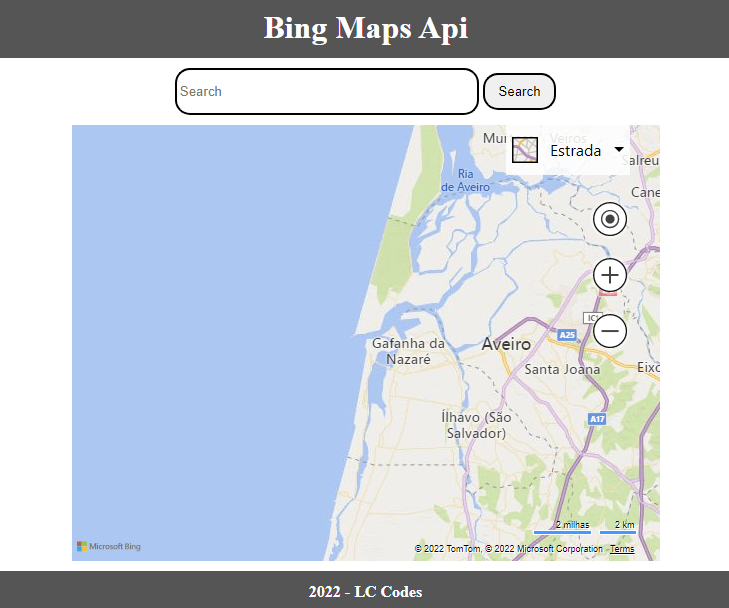
Adding a simple map to your webpage with the Bing Maps API is quite manageable. You start by including the Bing Maps JavaScript SDK script tag in your HTML header. This script loads all the necessary components for the map to function. With the script in place, you then create a div element in your body where the map will render.
Next, use JavaScript to instantiate a new map object, targeting your div element. You will specify options like the initial center point, often a US city or landmark, and the zoom level. For example, setting the center to coordinates for New York City at a zoom level of 12 would display a clear view of Manhattan, allowing users to begin exploring local points of interest immediately.
Should you encounter any issues during this initial setup, check your API key for accuracy and ensure it has the correct permissions. Also, verify that the map div has defined width and height styles, as maps will not render in an element with zero dimensions. The Bing Maps Dev Center offers robust troubleshooting guides and community forums where US developers often share solutions to common integration challenges.
Bing Maps API Pricing and Licensing Explained
The Bing Maps API operates on a transaction-based pricing model. A transaction is generally counted each time a map loads or a specific service, like geocoding or routing, is called. Understanding this model is key for US businesses and developers to manage their budget effectively when using the API for their projects.
Microsoft offers a free tier, which typically includes a generous number of transactions per year. This free allowance is ideal for personal projects, small websites, or for developers just getting started with the API. For higher usage volumes or commercial applications, various enterprise plans are available. These plans provide a greater number of transactions and often come with enhanced support options, important for larger US-based operations.
To avoid unexpected costs, it is important to monitor your API usage through the Bing Maps Dev Center dashboard. The dashboard provides detailed reports on your transaction consumption, allowing you to track against your free limits or paid plan allowances. Should your usage exceed your current plan, you can upgrade to a suitable enterprise license, ensuring uninterrupted service for your US audience and keeping your mapping features active.
Bing Maps API features, how to get Bing Maps API key, Bing Maps API cost, Bing Maps API requirements, best Bing Maps API alternatives, Bing Maps API documentation, Bing Maps API for developers


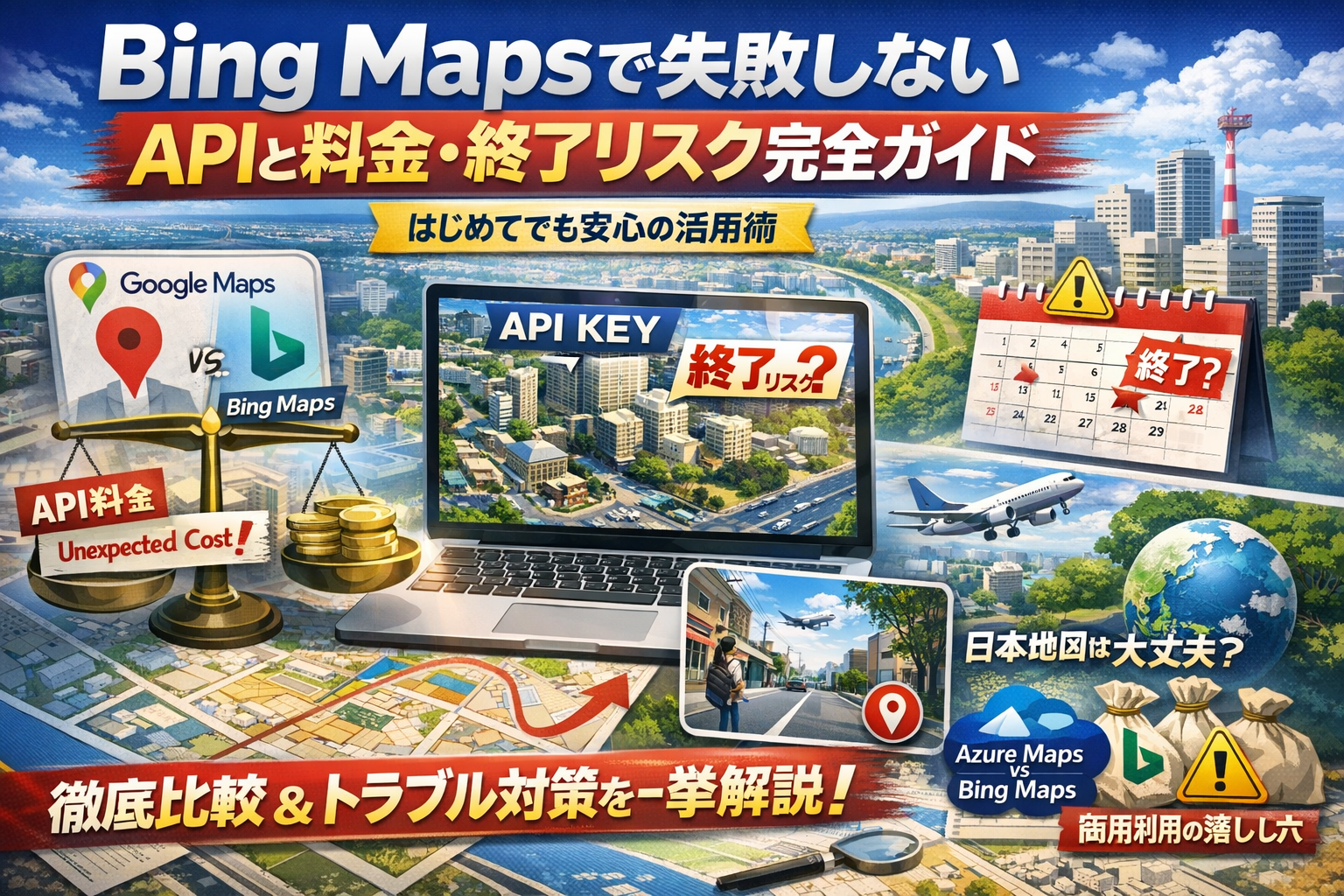

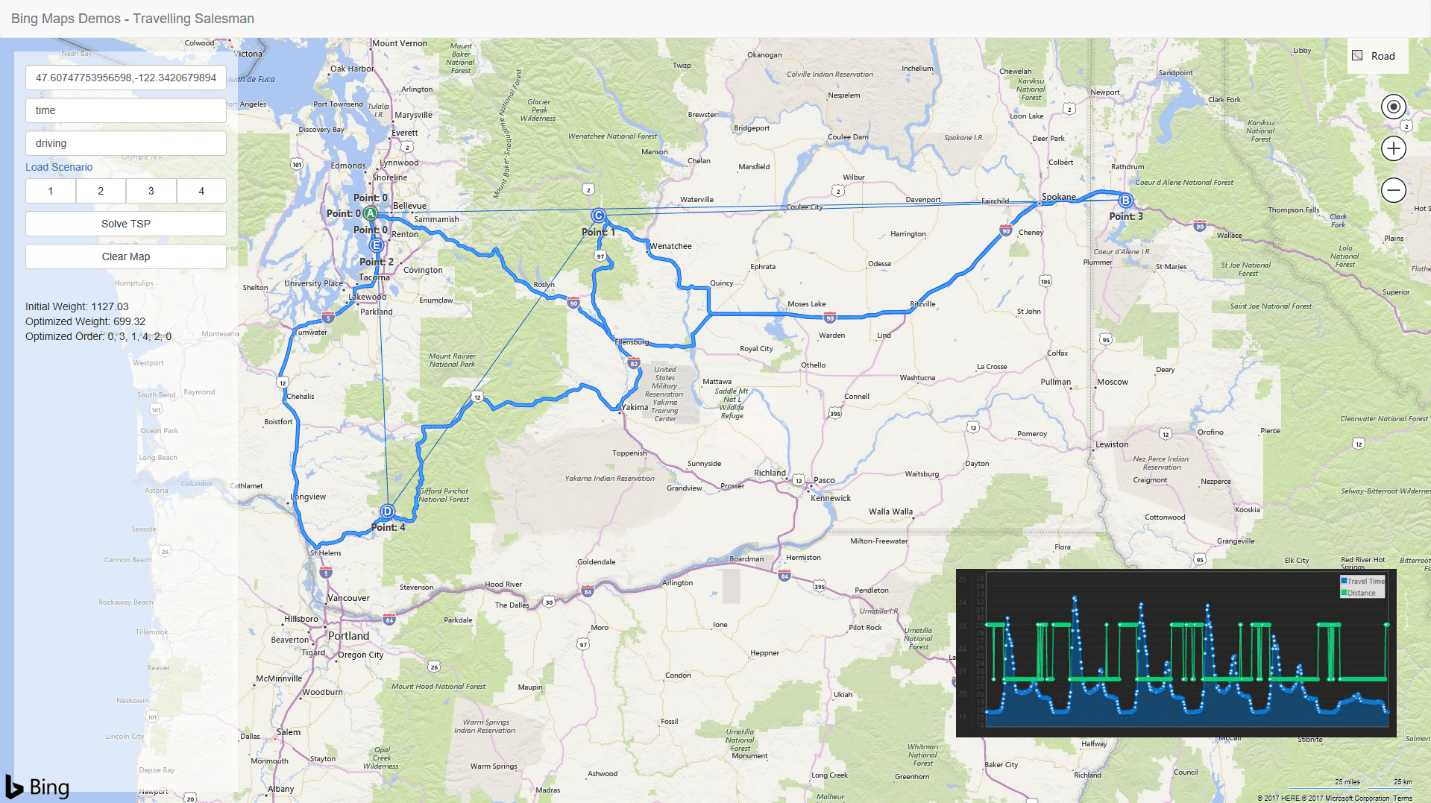
Bing Maps API Reviews Jul 2026 Pricing Features Bing Maps Api . Jak Migrovat A Adaptovat Projekty Bing Maps API Do Azure Maps Migrar Bing Masp A Azure Maps . Bing Maps API Bing Maps Api Pricing Risk Guide . Bing Maps Dev Center Bing Maps Api Key EMCL Bing Maps Preview Streeside . Bing Maps Distance Matrix API Launches Today Maps Blog



16 Best To Bing Maps 2026 . Bing Maps Web Services WIGeoGIS Bing Reseller Vie Lg . Bing Maps Vs 2026 Market Share Usage Comparison Og. 3 Best Open Source Bing Maps In 2026 Og. How To Get Bing Map Api Key Easy Guide YouTube



Multimap Open API Web Services To Bing Maps PDF Application 1. Image APIs In 2026 The Complete Market Map Imejis Io Blog. Bing Maps Logo Bing Maps Word5 Ss 1920 . PPT Talk Outline PowerPoint Free Download ID 902078 Bing Maps Api L . GitHub Microsoft Imagine Bing Maps Api Get The Assets And Code Here Imagine Bing Maps Api


Bing Map API Resources To Create Compelling Map Based Web Bing Map Api . GitHub TDDuonga Bing Maps API GitHub 204582030 1c1fcaea Dd20 40f1 Bf34 . Bing Maps Api ApisList Docs Screenshot . GitHub Jint2020 Bing Maps Api Bing Maps Api Bing Maps Api. GitHub TDDuonga Bing Maps API GitHub 204581720 7819351d 4d12 4b3a A2ae
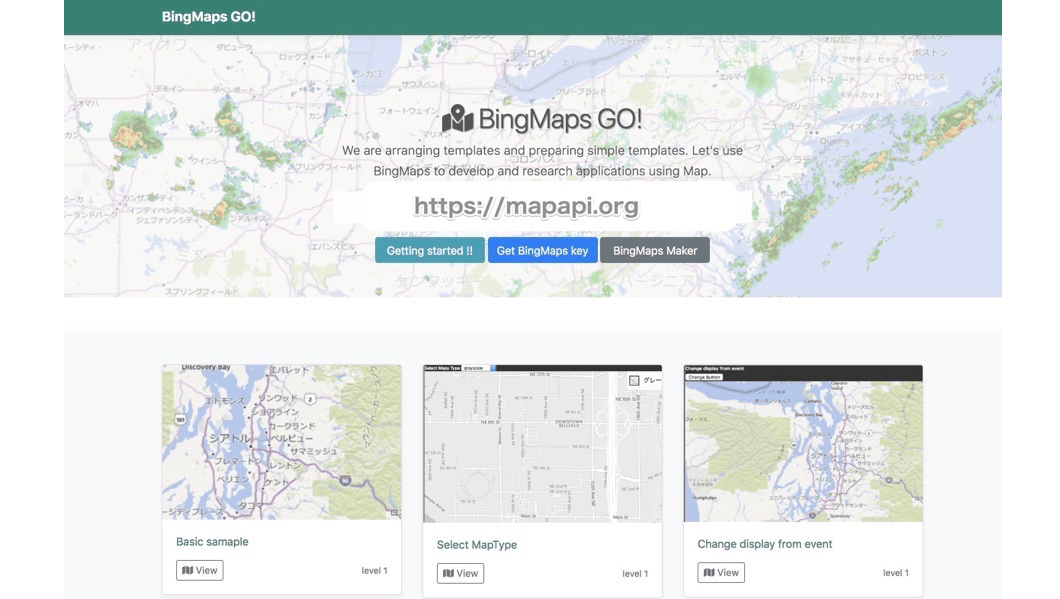

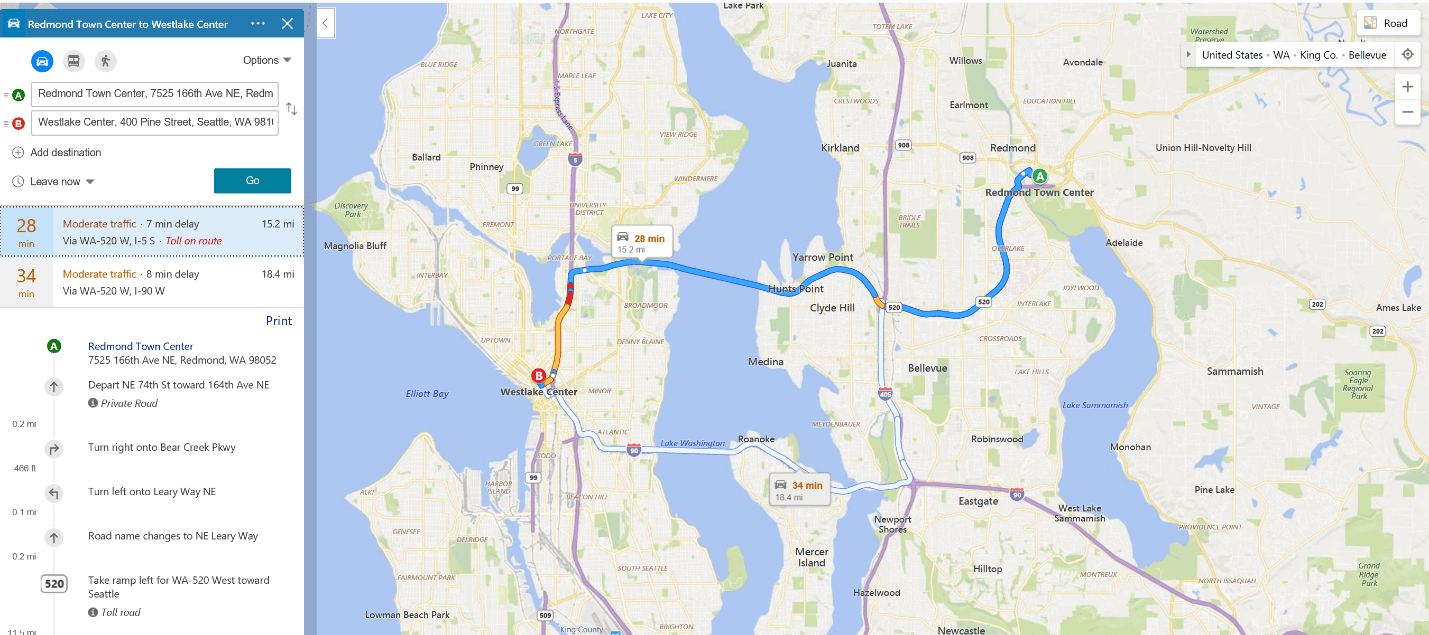
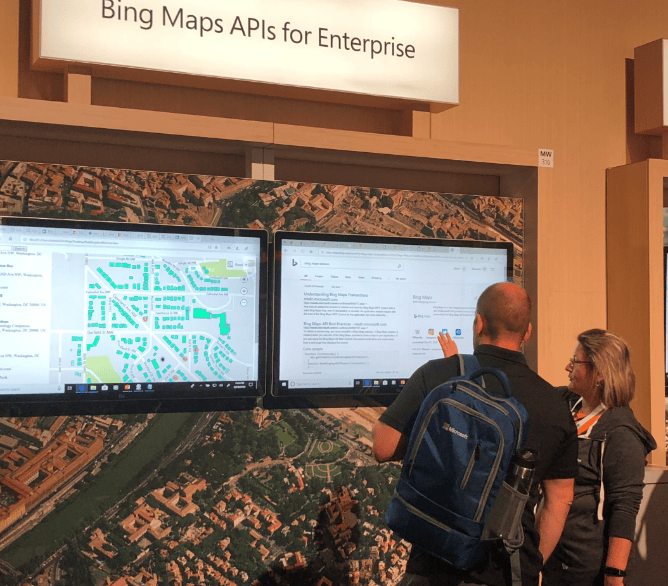
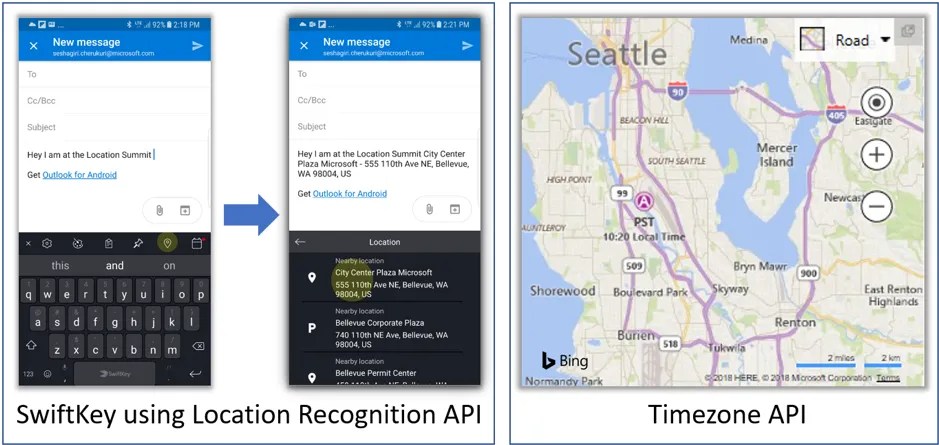
Google Vs Bing Map Api Main1 . Bing Maps Location Recognition API And Autosuggest API Previews . Discover The 20 Best AI Apps Of 2026 . Psst Bing Maps Has New APIs And Features To Share At Microsoft Build . A Peek Inside Bing Maps API S Features Pricing Structure And More SwiftKey
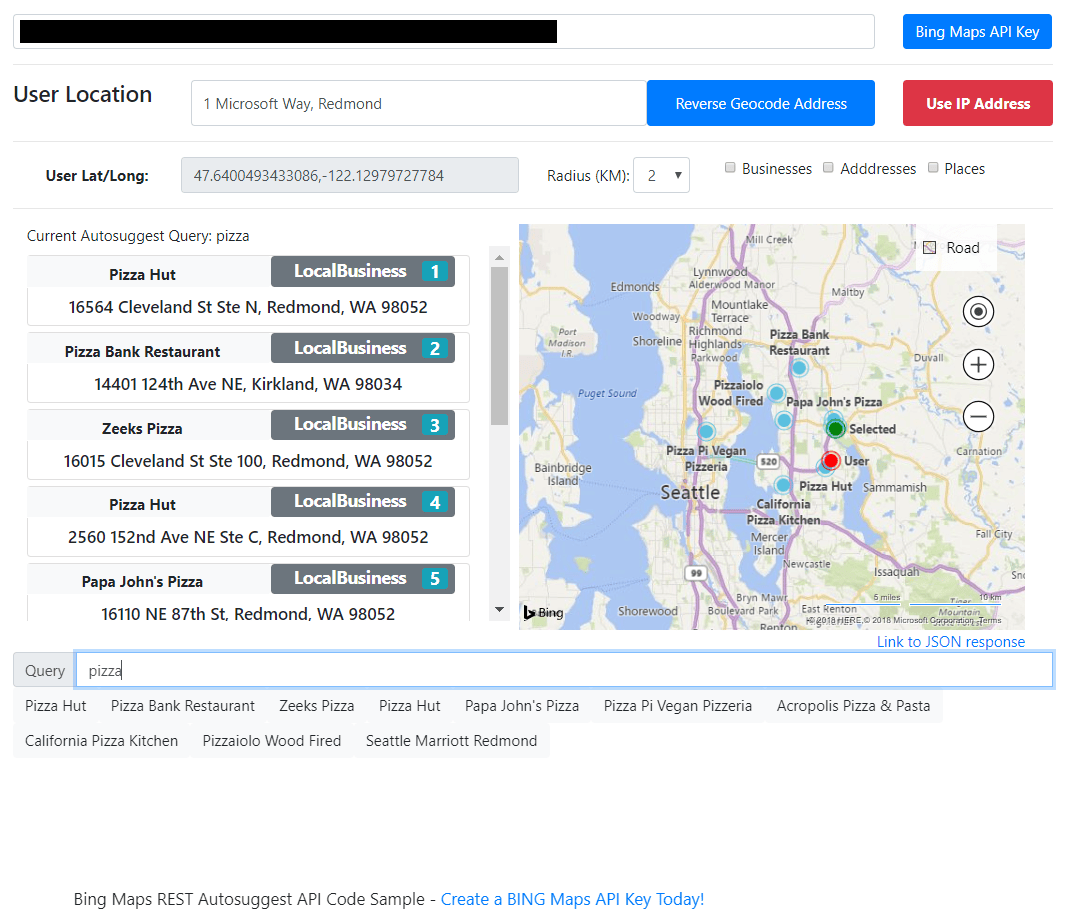
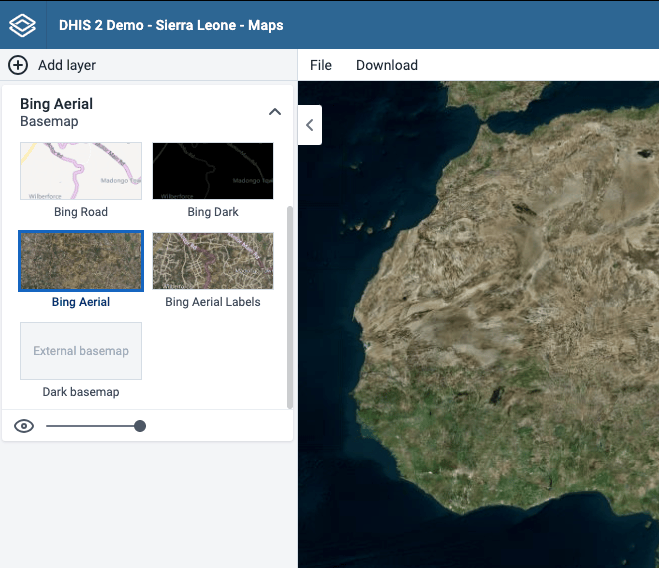

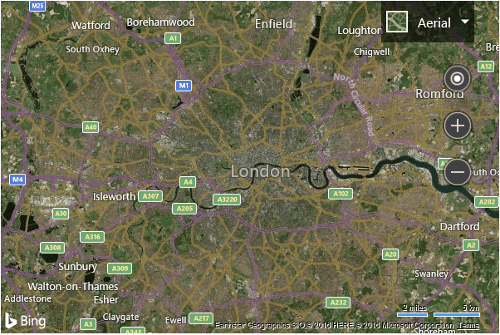
Bing Maps Autosuggest API GA Release Mashford S Musings . Calculate The Distance Between Two Locations And Geocoding With Bing Bing Maps Api Key Kk . Accessing Map Layers From Google Earth Engine And Bing Maps DHIS2 Bing Maps Basemap Layers . Bing Maps Reviews In 2026 1. Customize Map Options On Load Bing Maps Microsoft Learn Bmv8




Bing Maps Migration In 2026 Why Now Is The Time To Take Control Grey Bing Maps Api Banner . Google Vs Bing Map Api 122 . Bing Maps API Bing GIS GISBox E2669338 0543 443f A69e . How To Enable Bing Maps Support Maps Marker Pro Bing Api Key Settings . Use Personal Bing Map API Key Cesium For Unity Cesium Community